Moo Virus
Published July 14, 2026
The Moo Virus is a 2026 iPhone prank in which the victim is tricked into installing a shortcut disguised as a fake fighting app called 'High School Fights,' which then loops a loud mooing sound while zooming in and inverting the screen until the file is deleted. It blew up on TikTok in June and July 2026 as reaction and fix videos pulled in millions of views.
Overview
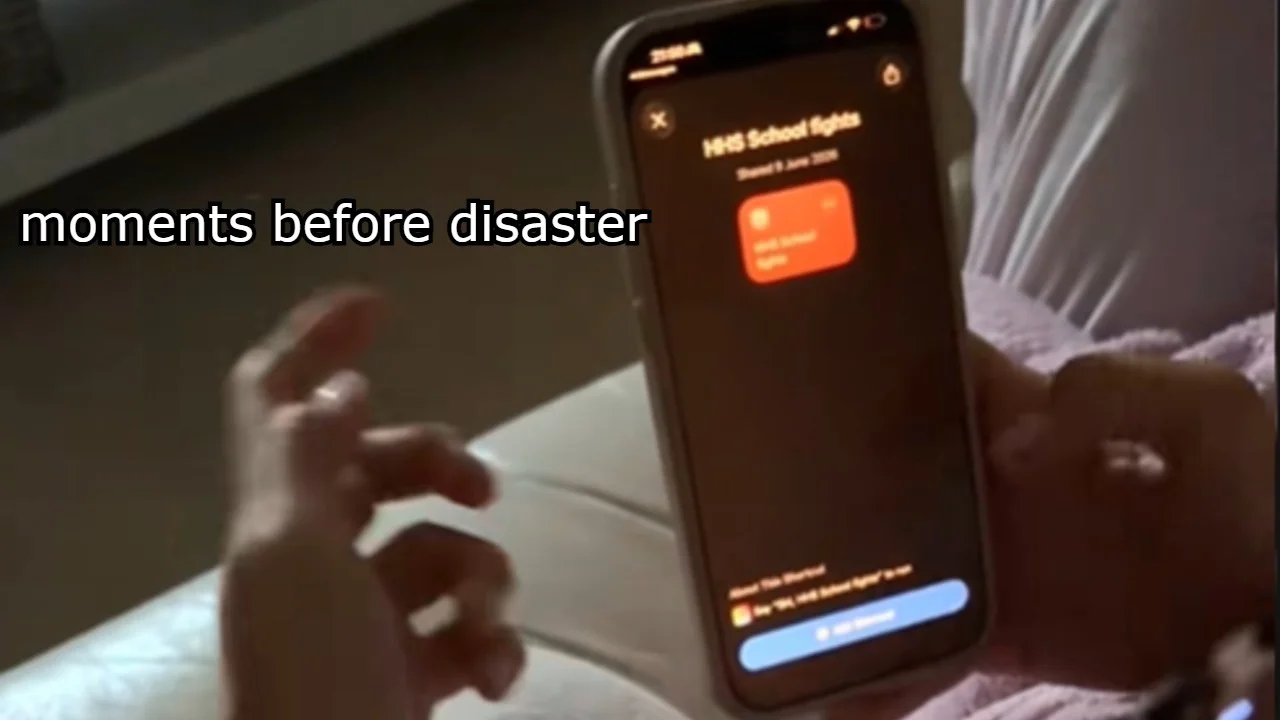
The Moo Virus is an iPhone prank that tricks victims into tapping a shortcut disguised as a fake fighting app called 'High School Fights,' sometimes seen labeled 'HHS School Fights'1. Instead of loading a game, the shortcut hijacks the phone with a looping mooing sound, and, on many devices, zooms into the screen and inverts the display colors until the offending file is deleted2.
The bit spread quickly across TikTok in June and July 2026, where recorded reactions of confused parents, siblings and unwitting friends pulled in millions of views3. Because the effect looks and sounds like malware to anyone unfamiliar with iOS accessibility settings, targets often panic and assume their phone is actually broken before someone shows them how simple the fix really is2.
Despite the name, the Moo Virus is not real malware. It is a shortcut file that abuses built-in iOS features like Zoom, Smart Invert and Classic Invert to make the phone behave as if it has been infected2. Removing it is a matter of deleting the shortcut and switching those accessibility toggles back off4.
Origin & Background
How It Spread
How to Use This Meme
The Moo Virus is not an App Store download. It is an iOS shortcut file passed around through direct links, then triggered when the target taps to run what looks like 'High School Fights' or 'HHS School Fights'1. The shortcut plays a loud, looping mooing sound and typically flips on iOS accessibility features like Zoom and Smart Invert, so the display distorts at the same time2. Common convention on TikTok is to hand or send the phone to a family member, film them reacting to the noise, and let the clip run until they either figure out the fix or hand the phone back in defeat3. The bit ends the moment the shortcut is deleted and the accessibility toggles are switched back off2.